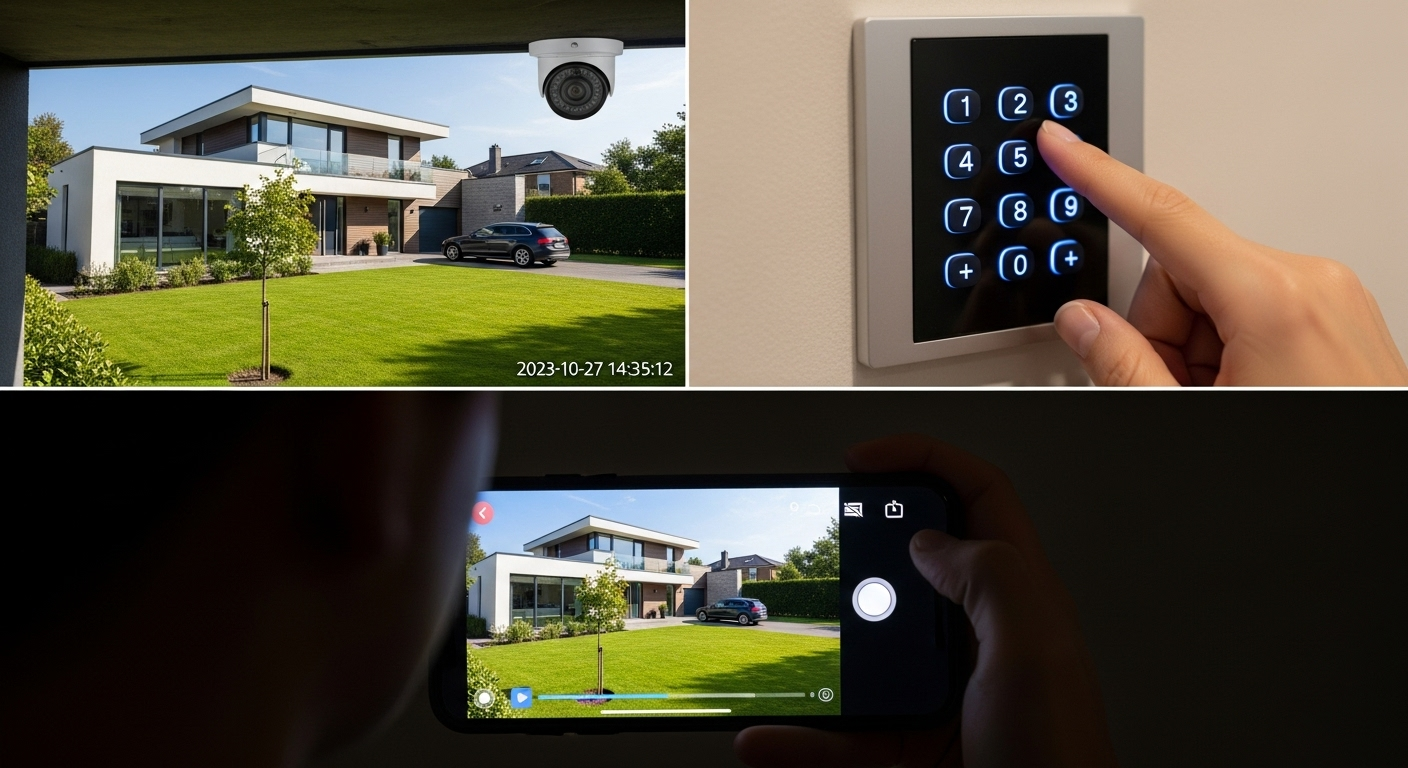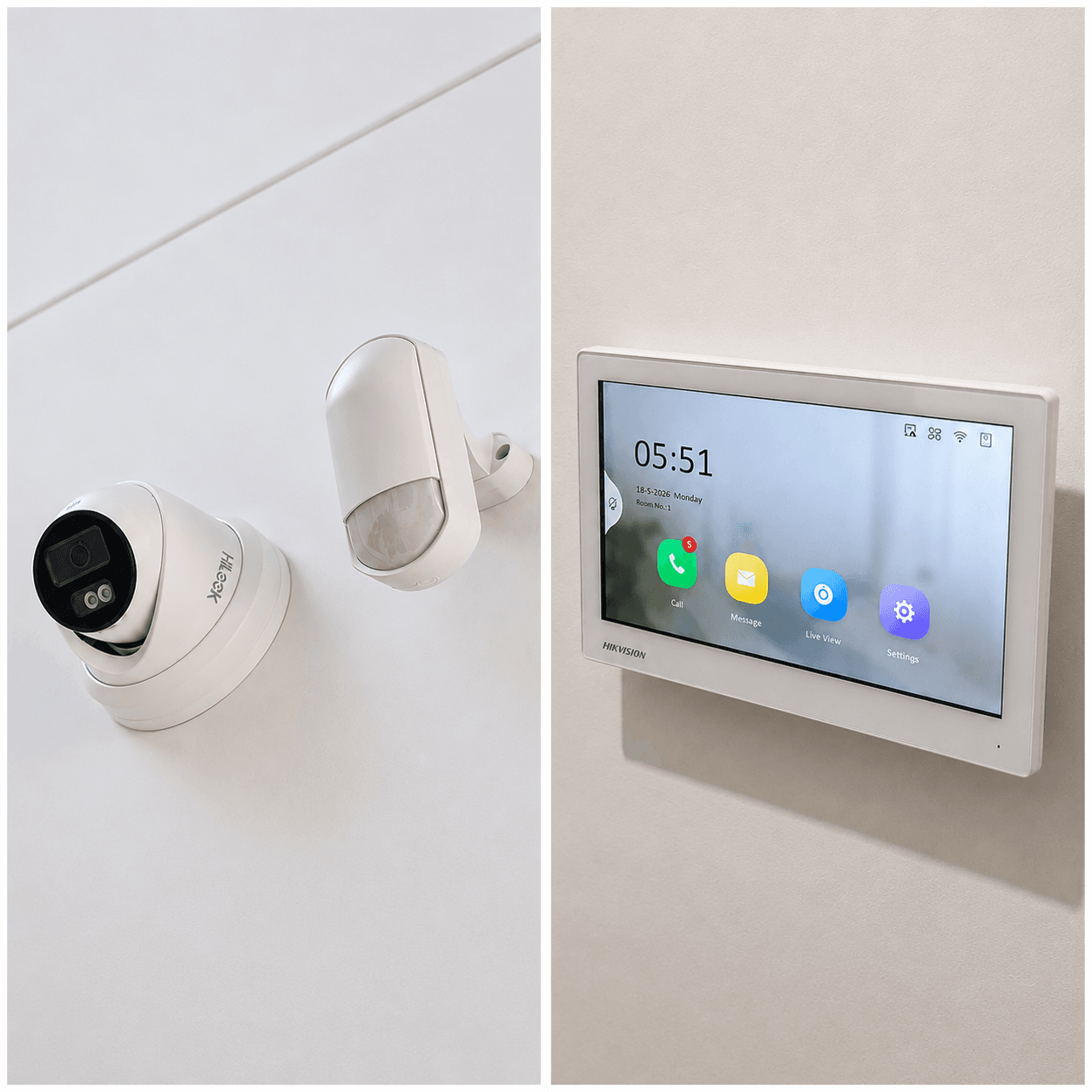
The convergence of security systems with smart home technology is transforming how Australian homeowners protect and manage their properties. Gone are the days when security cameras, alarms, and access controls operated in isolation. Today’s integrated smart home security ecosystems offer unprecedented convenience, control, and protection through interconnected devices that work together intelligently.
Understanding Smart Home Security Integration
The Connected Security Ecosystem
Modern smart home security integration creates a unified network where traditional security components communicate with:
Core Smart Home Platforms
- Amazon Alexa and Echo devices
- Google Home and Nest ecosystem
- Apple HomeKit and Siri integration
- Samsung SmartThings hub systems
- Local hubs like Hubitat and Home Assistant
Security-Specific Integrations
- Professional monitoring services
- Emergency response systems
- Insurance company portals
- Maintenance and service providers
Australian Market Considerations
NBN and Connectivity Australia’s National Broadband Network provides the foundation for smart home security:
- Minimum 25Mbps required for basic integration
- 50Mbps+ recommended for multiple cameras and devices
- Backup 4G/5G connections for system reliability
- Local network prioritization for security devices
Climate and Environmental Factors Australian conditions require specialized considerations:
- Extreme heat tolerance for outdoor devices
- UV resistance for exposed equipment
- Moisture protection in tropical regions
- Dust resistance for rural and mining areas
Integration Technologies and Protocols
Communication Standards
Wireless Protocols
- Wi-Fi 6: Latest standard offering improved capacity and range
- Zigbee 3.0: Low-power mesh networking for sensors
- Z-Wave Plus: Reliable protocol with strong Australian support
- Thread/Matter: Emerging standard for device interoperability
Wired Connections
- Ethernet: Most reliable for cameras and hubs
- Power over Ethernet (PoE): Single cable for power and data
- RS-485: Professional-grade for access control integration
- Hardwired sensors: Battery-free operation for critical zones
Cloud vs Local Processing
Cloud-Based Benefits
- Remote access from anywhere globally
- Automatic updates and new features
- AI processing and analytics
- Professional monitoring integration
Local Processing Advantages
- Faster response times
- Privacy and data control
- Continued operation during internet outages
- Reduced ongoing subscription costs
Smart Security Device Categories
Intelligent Cameras
AI-Powered Features
- Person vs vehicle vs animal detection
- Facial recognition for family members
- Package delivery detection and alerts
- Behavioral analysis for unusual activity
Integration Capabilities
- Voice announcements through smart speakers
- Automatic lighting activation upon detection
- Smart lock activation for authorized individuals
- HVAC adjustment based on occupancy patterns
Connected Access Control
Smart Locks and Keypads
- Mobile app control and monitoring
- Temporary access codes for visitors
- Integration with calendar appointments
- Automatic locking schedules and geo-fencing
Video Doorbells
- Two-way communication with visitors
- Package detection and theft prevention
- Integration with smart lighting systems
- Automated responses for common scenarios
Environmental Monitoring
Smoke and Fire Detection
- Smart smoke detectors with app notifications
- Integration with smart thermostats for HVAC shutdown
- Automated lighting for evacuation routes
- Emergency contact notification systems
Flood and Water Detection
- Early leak detection in vulnerable areas
- Automatic water valve shutoff integration
- Humidity monitoring and HVAC coordination
- Insurance claim documentation assistance
Home Automation Security Scenarios
Arrival and Departure Routines
Welcome Home Sequence Automated responses when residents return:
- Disarm security system via mobile app
- Unlock doors automatically using geo-fencing
- Activate lighting in entry areas
- Adjust temperature to comfort settings
- Announce any security events during absence
Leaving Home Protocol Comprehensive security activation:
- Arm all security systems automatically
- Lock all connected doors and windows
- Set thermostats to energy-saving modes
- Activate motion-triggered cameras
- Enable perimeter monitoring systems
Sleep and Night Mode
Bedtime Automation
- Arm internal motion sensors
- Lock all entry points automatically
- Dim lighting gradually throughout home
- Activate bedroom-specific monitoring
- Set quiet hours for non-critical alerts
Morning Activation
- Gradual disarming of internal sensors
- Lighting automation based on sunrise
- System status reports via smart speakers
- Weather and security briefings
- Automatic coffee maker integration
Vacation and Extended Absence
House Sitting Mode
- Randomized lighting patterns to simulate occupancy
- Curtain and blind automation
- Lawn sprinkler and garden integration
- Mail and package monitoring
- Regular system health check notifications
Voice Control and AI Integration
Australian Voice Assistant Adoption
Market Preferences
- Google Assistant: 45% market share
- Amazon Alexa: 35% market share
- Apple Siri: 15% market share
- Others including local solutions: 5%
Security-Specific Voice Commands
- “Arm the house” or “Lock everything down”
- “Show me the front door camera”
- “Is the garage door closed?”
- “Set vacation mode for two weeks”
Natural Language Processing
Contextual Understanding Modern systems interpret complex commands:
- “I’m going to bed” triggers comprehensive night mode
- “We’re leaving for the weekend” activates extended security
- “Someone’s at the door” displays relevant cameras
- “Check all windows” reports status of window sensors
Mobile App Integration and Control
Unified Security Apps
Feature Requirements Comprehensive mobile control includes:
- Real-time camera feeds with recording playback
- System arming/disarming with location verification
- Instant alert notifications with images/video
- Two-way communication with visitors
- Integration with emergency services
User Experience Design
- Single-tap emergency features
- Intuitive navigation for all family members
- Customizable dashboards for different users
- Offline functionality for critical operations
Geofencing and Location Services
Automatic Responses Location-based automation triggers:
- System disarming when residents approach
- Automatic arming when everyone leaves
- Temporary disabling during lawn care appointments
- Enhanced monitoring during extended absences
Privacy Considerations
- Transparent location data usage policies
- Local processing of location information
- User control over sharing and tracking
- Compliance with Australian privacy laws
Professional Installation vs DIY Integration
DIY Smart Security Integration
Suitable Scenarios
- Rental properties with permission limitations
- Budget-conscious homeowners
- Tech-savvy users comfortable with configuration
- Existing smart home infrastructure
Popular DIY Platforms
- Ring Security ecosystem
- SimpliSafe with smart integrations
- Eufy HomeBase systems
- TP-Link Kasa security devices
Limitations and Challenges
- Limited professional monitoring options
- No local compliance verification
- Troubleshooting and maintenance burden
- Insurance claim complications
Professional Integration Services
Installation Benefits
- Custom system design and optimization
- Professional-grade equipment selection
- Compliance with Australian standards
- Warranty and ongoing support services
Ongoing Support
- System health monitoring
- Regular firmware updates
- Technical support and troubleshooting
- Equipment replacement and upgrades
Cost Analysis for Smart Security Integration
Initial Investment Breakdown
Basic Smart Security Package ($2,000-$4,000)
- Smart security cameras (4-6 units)
- Connected door locks (2-3 doors)
- Smart doorbell with video
- Central hub and basic sensors
Comprehensive Integration ($5,000-$10,000)
- Professional camera system with AI analytics
- Whole-home access control integration
- Environmental monitoring (smoke, water, temperature)
- Professional installation and configuration
Premium Smart Home Security ($15,000-$30,000)
- Commercial-grade equipment adapted for residential
- Comprehensive automation integration
- Professional monitoring services
- Custom mobile app development
Ongoing Operational Costs
Subscription Services
- Cloud storage: $10-$30 per month
- Professional monitoring: $30-$60 per month
- AI analytics services: $15-$25 per month
- Mobile app premium features: $5-$15 per month
Maintenance and Updates
- Annual system health checks: $200-$500
- Equipment replacement reserves: $500-$1,000 annually
- Software licensing: $100-$300 per year
- Internet connectivity upgrades: $20-$50 monthly
Privacy and Security Considerations
Data Protection
Local vs Cloud Storage
- Local storage provides complete data control
- Cloud storage offers accessibility and redundancy
- Hybrid approaches balance convenience and privacy
- Encryption requirements for all data transmission
Access Control Management
- Multi-factor authentication for system access
- Regular password updates and complexity requirements
- Guest access limitations and time restrictions
- Activity logging and audit trails
Cybersecurity for Smart Homes
Network Security
- Separate IoT network for security devices
- Regular firmware updates for all connected devices
- VPN access for remote system management
- Intrusion detection for network monitoring
Device Security
- Default password changes on all devices
- Regular security audits and vulnerability assessments
- Physical security for central hubs and controllers
- Backup and recovery procedures
Future Trends and Emerging Technologies
Next-Generation Integration
5G and Edge Computing
- Ultra-low latency for real-time responses
- Enhanced mobile connectivity for remote properties
- Edge AI processing for improved privacy
- Massive device connectivity capabilities
Artificial Intelligence Evolution
- Predictive security based on behavior patterns
- Automated threat assessment and response
- Natural language interaction improvements
- Personalized security recommendations
Sustainability and Energy Efficiency
Green Security Technology
- Solar-powered security devices
- Energy-efficient smart sensors
- Battery optimization and longevity
- Integration with renewable energy systems
Carbon Footprint Reduction
- Reduced need for physical security patrols
- Energy-optimized automated responses
- Smart grid integration for load balancing
- Sustainable manufacturing practices
Implementation Best Practices
Planning and Design
Needs Assessment
- Security risk evaluation for specific property
- Family lifestyle and usage pattern analysis
- Budget allocation and prioritization
- Technology comfort level assessment
System Architecture
- Centralized vs distributed processing decisions
- Backup and redundancy requirements
- Scalability planning for future expansion
- Integration compatibility verification
Installation and Configuration
Professional Setup
- Optimal device placement and configuration
- Network optimization for security devices
- User training and education programs
- Documentation and system diagrams
Testing and Validation
- Comprehensive system functionality testing
- Emergency scenario simulation
- User acceptance testing with family members
- Performance optimization and fine-tuning
Ongoing Management
Regular Maintenance
- Monthly system health checks
- Quarterly security assessments
- Annual professional inspections
- Continuous education on new features
Performance Monitoring
- Device health and battery status tracking
- Network performance and connectivity monitoring
- User satisfaction and feedback collection
- Technology evolution and upgrade planning
Conclusion
Smart home security integration represents the future of residential protection in Australia, combining traditional security measures with modern convenience and intelligence. Success depends on careful planning, quality implementation, and ongoing management to ensure systems remain effective and user-friendly.
The investment in integrated smart security systems pays dividends through enhanced protection, convenience, and peace of mind. As technology continues to evolve, early adopters of comprehensive integration will be best positioned to leverage new capabilities and maintain cutting-edge security.
For Australian homeowners considering smart security integration, the key is starting with a solid foundation and expanding systematically. Whether through DIY solutions or professional installation, the goal is creating a seamless security ecosystem that enhances both protection and daily living.